
Autonomous AI
A friendly guide to Autonomous AI: how it differs from regular AI, how agents actually think and act with CoT, ReAct, and ToT, and when it's safe to let them run solo.
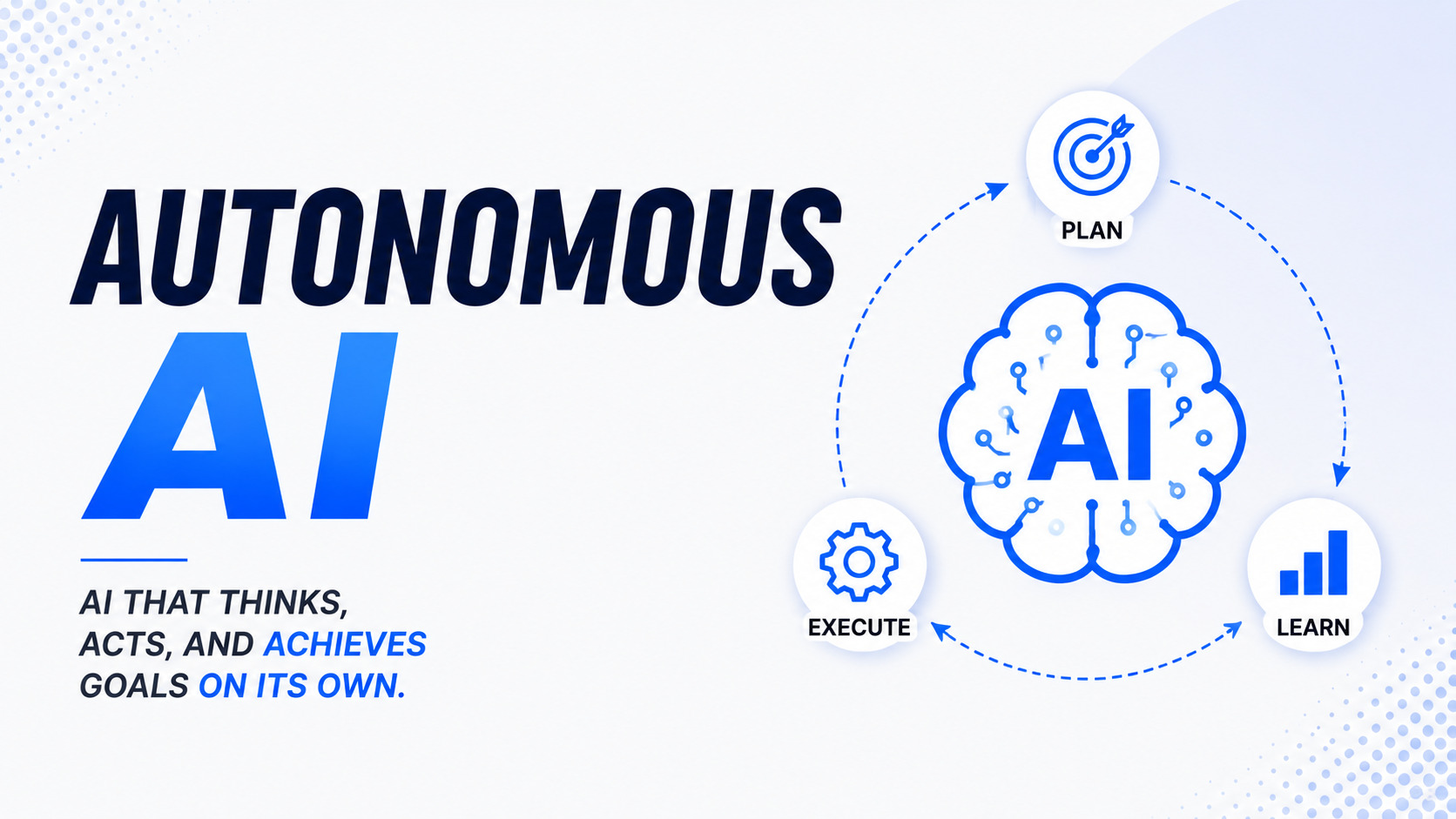
Table of Contents
- What Autonomous AI Is and How It Differs from Regular AI
- How AI Agents Actually Make Decisions
- ReAct, CoT, and the Art of Thinking Before Doing
- Guidelines for AI Autonomy and Why Humans Still Matter
- Conclusion
- References
1. What Autonomous AI Is and How It Differs from Regular AI
Analogy: Two Types of Coworkers
The easiest way to grasp the difference between regular AI and Autonomous AI is to picture two very different coworkers:
Coworker A (Regular AI) is the kind who waits to be told exactly what to do. You say, “make me a sales report for this month,” they make it, hand it over, and then go back to staring at their screen waiting for the next instruction. Stop giving instructions and they stop existing, basically.
Coworker B (Autonomous AI) is more like that overachieving junior manager who has their life suspiciously together. You say, “make sure the sales report is ready before Monday’s meeting,” and they immediately know what to do: pull the data, build the tables, double-check the numbers, save the file, and Slack you if something looks off. All without you hovering over their shoulder like a helicopter parent.
That is the whole point: regular AI waits for instructions at every step, while Autonomous AI can plan and finish a task from start to end on its own.
The Spectrum of AI Autonomy
AI autonomy is more like a volume knob than a light switch. There are several levels:
| Level | Everyday Analogy | AI Example | Human’s Role |
|---|---|---|---|
| Basic Assistant | A calculator: you decide, it computes | Plain ChatGPT | You control every step |
| Smart Assistant | Autocomplete on your phone: helpful, but you still type | GitHub Copilot | You decide, AI suggests |
| Semi-Autonomous | GPS that finds its own route: you set the destination | Research AI that browses the web | You set the goal, AI finds the path |
| Fully Autonomous | Airplane autopilot: pilot just monitors | Coding agent that ships code itself | You watch, AI works |
Key Traits of Autonomous AI
Four things separate Autonomous AI from the regular kind:
- Makes decisions on its own — no need to ask permission for every tiny step
- Works toward long-term goals — not just answering one question, but completing an entire mission
- Can use “tools” — browse the web, write and run code, send emails, query databases
- Can self-correct — when it gets something wrong, it notices and tries a different approach (unlike that one coworker who keeps doing the same thing and expecting different results)
2. How AI Agents Actually Make Decisions
Three Core Components of an AI Agent
Think of an AI agent as a detective trying to crack a case. They need three things: a way to plan, a good memory, and the right gear. AI agents are no different.
Component 1: Planning
Before doing anything, the AI needs to break a big task into smaller steps it can actually tackle one at a time.
Say you ask: “Build me a simple online store.”
The AI is not going to just start banging on the keyboard like a caffeinated raccoon. It thinks first:
- Design the database (products, users, orders)
- Build the login system
- Build the product listing page
- Build the shopping cart
- Build the checkout page
- Test everything
- Deploy to a server
This is basically the same to-do list you would write before starting a big project, except the AI also does all the work. Rude, honestly.
Component 2: Memory
Without memory, the AI would keep making the same mistakes or forget what it already did. There are three kinds of memory at play:
| Type of Memory | Like… | What It Does |
|---|---|---|
| Session memory | Notes you scribble during a meeting | Remembers what was discussed in the current conversation |
| External memory | A filing cabinet | Stores important info that can be pulled up later |
| Skill memory | Muscle memory for riding a bike | Built-in knowledge of how to do certain tasks |
Component 3: Tools (How It Actually Does Stuff)
This is what lets an AI do things instead of just talking about them. Tools an AI agent might use include:
- Web search — for fresh info that is not baked into the model’s “brain”
- Writing and running code — yes, it can actually execute programs
- Reading and saving files — documents, spreadsheets, images
- Sending messages — emails, notifications, updates to other apps
- Spawning other AIs — for parallel work, because even AI gets tired (kidding, it does not)
The AI Agent Loop: Observe, Understand, Decide, Act
An AI agent runs in a loop until the task is done. It looks something like this:
1. OBSERVE   →  Take in new info (search results, code output, errors, etc.)
     ↓
2. UNDERSTAND →  "Okay, here's where things stand..."
     ↓
3. DECIDE    →  "The most sensible next step is..."
     ↓
4. ACT       →  Execute the action, call a tool, produce output
     ↓
     └──────────── Back to step 1 ──────────────────┘
The loop keeps spinning until the goal is met, kind of like how you check your phone every five minutes hoping for new notifications. Same energy, different outcome.
3. ReAct, CoT, and the Art of Thinking Before Doing
Why Reasoning Patterns Matter
Before AI can act correctly, it has to think correctly. Same as us: before deciding anything, we usually mull it over (or at least pretend to). Researchers came up with specific techniques so AI can “think” more reliably.
Technique 1: Chain-of-Thought (CoT)
CoT is exactly what it sounds like: a chain of thoughts. The AI is asked to show every step of its logic before giving the final answer.
Analogy: Remember math class? The teacher did not just want the answer. They wanted to see your work. If you wrote “answer: 42,” they had no idea if you understood the problem or just got lucky. But if you showed the steps, they could see where you nailed it and where you tripped.
Real example:
Without CoT — the AI answers directly:
❓ “A coffee shop sells 50 lattes a day at $5 each. Daily ingredient costs are $150. What is the profit?” 🤖 “$100” ✓ (might be right, might be totally bluffing)
With CoT — the AI thinks step by step:
🤖 “Revenue: 50 lattes × $5 = $250. Ingredient costs: $150. Profit: $250 − $150 = $100.” ✓
For trickier problems, CoT is way more accurate because the AI essentially fact-checks itself along the way. Like talking yourself through assembling IKEA furniture.
Technique 2: ReAct (Reasoning and Acting)
ReAct mixes thinking and doing in alternating turns. Where CoT only relies on what the AI already knows, ReAct lets it step out and grab more info whenever it needs to.
Analogy: Imagine someone asks you for the latest price of a flight from New York to LA. If you just guess from memory, your “data” is probably from 2019. But if you open Google Flights, check the actual price, and then answer, you sound like a genius. That is ReAct in a nutshell.
ReAct in action:
Thought : I need today's price for a flight from NYC to LA.
Action  : Search the web → "NYC to LA flight prices today"
Result  : Found: economy fares starting around $189.
Thought : Got the data. Now I can answer with current info.
Answer  : Economy flights from NYC to LA start at around $189.
The big win here: the AI does not make stuff up. If it does not know something, it actually goes and checks. Refreshing, right?
Technique 3: Tree of Thought (ToT)
ToT is when the AI considers several possible solutions in parallel and picks the best one, kind of like weighing your options before making a decision.
Analogy: Picture deciding where to eat dinner. You do not just walk into the first restaurant you see (well, unless you are very hungry). You think: pizza, sushi, or that new ramen place? You compare price, distance, and how fancy you feel. ToT works the same way.
              [Problem: Best business strategy]
                           │
          ┌────────────────┼────────────────┐
     [Go online]    [Open new branch]  [Partner up]
          │                │                │
     [Evaluate]       [Evaluate]       [Evaluate]
          │                                 │
    [Too expensive]                   [✓ Most feasible]
Comparing the Three Techniques
| Technique | How It Works | Strength | Weakness | Best For |
|---|---|---|---|---|
| CoT | Step-by-step thinking | Simple, great for logic | Limited to what AI already knows | Math problems, logical analysis |
| ReAct | Think → Look it up → Think again | Always up to date | Slower | Research, questions needing fresh data |
| ToT | Try many paths, pick the best | High-quality results | Heavy on compute | Strategic planning, complex decisions |
4. Guidelines for AI Autonomy and Why Humans Still Matter
Trust and Risk Management
Handing AI full autonomy is like delegating to a brand new hire. You would not hand a fresh intern the keys to the company credit card on day one. They earn that trust over time. If they consistently do good work, you give them more responsibility.
Same deal with AI.
Decision Framework: Two Key Questions
Before deciding how much autonomy to give the AI, ask yourself:
1. If the AI gets it wrong, how bad is the damage? 2. If the AI gets it wrong, can you actually fix it?
                       If wrong... how bad?
                   Minor               Major
                ┌──────────────┬──────────────────┐
Easy     Yes    │  ✅ Let AI    │  ⚠️ Still need   │
to fix?         │  fly solo    │  oversight       │
                ├──────────────┼──────────────────┤
Hard     No     │  ⚠️ Better   │  ❌ Do not look  │
to fix?         │  supervise   │  away. Ever.     │
                └──────────────┴──────────────────┘
When You Need a Human in the Loop
Keep humans involved when:
- There is no undo button — wire transfers, mass emails to 10,000 people, deleted records that are gone for good
- Stakes are high — major medical, legal, or financial decisions
- It needs nuance — anything requiring cultural sensitivity, empathy, or specific local context
- The AI is new — not enough track record yet to trust it
- Regulations require it — banking and healthcare often mandate human review
Concrete examples:
- 🏦 AI flags suspicious bank transactions → an analyst still confirms before freezing the account
- 📋 AI drafts a legal contract → a lawyer reviews before anyone signs
- 📣 AI generates ad copy → marketing checks it does not accidentally start an international incident
When Full Autonomy Is Fine
Let the AI run solo when:
- Mistakes are easy to fix — staging environments, anything with a solid undo
- Risk is small and well-bounded — file formatting, sorting data, resizing images
- Speed is critical — real-time server monitoring, spam filtering
- Volume is too big for humans — checking millions of transactions a day
- The AI has earned it — months of running without major issues
Concrete examples:
- Spam filters
- Daily performance reports in a fixed format
- Auto-alerts when a system errors out
- Routing customer support tickets to the right team
A Phased Approach to Granting Autonomy
Do not just hand over the keys. Use a phased rollout, kind of like a probation period for new hires:
🔵 PHASE 1 — Shadow Mode
   AI runs in the background. Its output is NOT executed.
   Humans do the actual work, then compare results with AI.
   → "Is the AI even accurate?"

🟡 PHASE 2 — Assistant Mode
   AI suggests an action, human approves with one click.
   → "Reliable enough to suggest, but humans still call the shots."

🟠 PHASE 3 — Supervised Autonomy
   AI acts on its own, but humans can step in any time.
   → "Trusted enough to act, but we keep an eye on it."

🟢 PHASE 4 — Full Autonomy
   AI runs the show. Humans audit periodically.
   → "Proven track record. We can focus on bigger things."
Move to the next phase only when the previous one is going smoothly. Patience here saves a lot of pain later.
Pre-Flight Checklist Before Granting Full Autonomy
Before flipping the switch, make sure you can answer “yes” to all of these:
- If the AI screws up, can I fix it?
- How often has this AI gotten it wrong in similar situations?
- Is there a way to detect when the AI starts going off the rails?
- If something goes wrong, who is accountable?
- Are there any company policies or laws to comply with?
If even one answer is “no” or “not sure,” stay in the previous phase a bit longer. Future-you will thank present-you.
Conclusion
Autonomous AI is not just a fancier version of AI. It is a real shift in how technology works around us. What used to be a tool is starting to look more like a “digital coworker” who can actually pull their weight.
Three things to keep in mind:
- Know the spectrum — autonomy is not on/off; there are many levels in between
- Trust the process — AI can “think” well if you give it the right techniques (CoT, ReAct, ToT)
- Hand over trust gradually — do not let go of the wheel on day one; level up based on actual evidence
In the end, the best technology is not the most autonomous one, but the one that is appropriately autonomous: it knows when to handle things itself and when to call in the humans. Sort of like a great assistant who knows when to say, “yeah, you might want to take this one.”
References
Academic Papers
-
Wei, J., et al. (2022). Chain-of-Thought Prompting Elicits Reasoning in Large Language Models. NeurIPS 2022. https://arxiv.org/abs/2201.11903
-
Yao, S., et al. (2022). ReAct: Synergizing Reasoning and Acting in Language Models. ICLR 2023. https://arxiv.org/abs/2210.03629
-
Yao, S., et al. (2023). Tree of Thoughts: Deliberate Problem Solving with Large Language Models. NeurIPS 2023. https://arxiv.org/abs/2305.10601
-
Wang, L., et al. (2023). A Survey on Large Language Model based Autonomous Agents. Frontiers of Computer Science. https://arxiv.org/abs/2308.11432
-
Xi, Z., et al. (2023). The Rise and Potential of Large Language Model Based Agents: A Survey. https://arxiv.org/abs/2309.07864
Reports & Technical Documentation
-
Anthropic (2024). Claude’s Model Specification. https://www.anthropic.com/model-spec
-
OpenAI (2023). Planning for AGI and beyond. https://openai.com/blog/planning-for-agi-and-beyond
-
LangChain (2024). Agents and Tools — Documentation. https://docs.langchain.com/docs/components/agents
-
Microsoft Research (2023). AutoGen: Enabling Next-Gen LLM Applications via Multi-Agent Conversation. https://arxiv.org/abs/2308.08155
Books & Further Reading
-
Russell, S. (2019). Human Compatible: Artificial Intelligence and the Problem of Control. Viking Press.
-
Weng, L. (2023). LLM-powered Autonomous Agents. Lilian Weng’s Blog. https://lilianweng.github.io/posts/2023-06-23-agent/